The Siemens Community Catalyst program was co-created with our community to acknowledge technology leaders who consistently contribute to the Siemens Community. Nominations are accepted on a rolling basis.
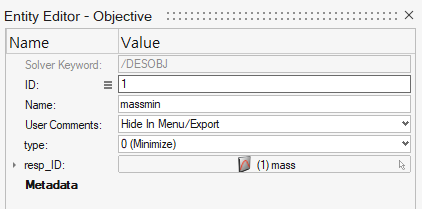
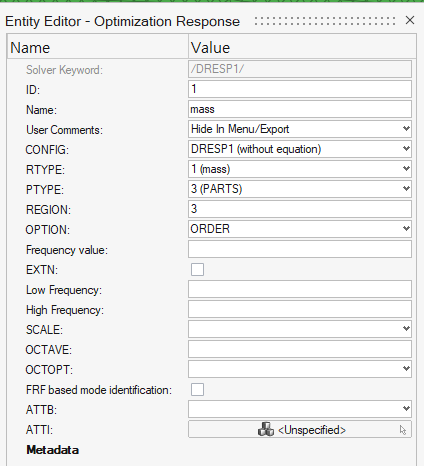
Description: Topology optimize가 제대로 돌아갔는 지 아닌 지 잘 모르겠습니다.
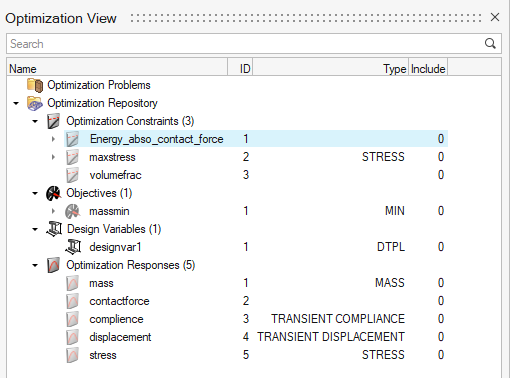
Product/Topic Name : hypermesh 2025 version. / Topology optimization
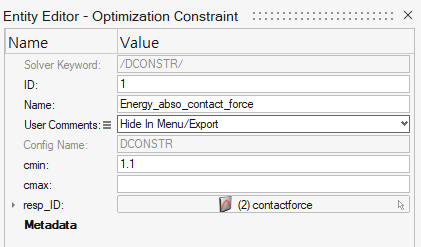
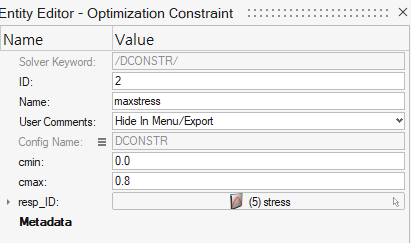
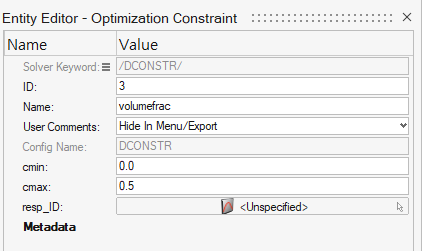
*Note from Community Team - Hypermesh-Radioss block을 통해 topology를 진행하였고 compute console 에서도 에러 없이 해석은 완료되었다고 나왔습니다. 하지만 hyperview를 통해 결과를 확인하는 과정에서 contour의 드롭 다운 바에 element density 항목이 존재하지 않습니다. 따로 해석 결과를 확인할 수 있는 방법이 있는 지 아니면 충돌해석만 진행되고 topology는 진행이 안되어있는 건지 확인해보고 싶습니다. 사진이 너무 많아 만약 필요하시면 다시 첨부하도록 하겠습니다.
Hi,
I will reply in English. To view element density in HyperView, you need to request the /ANIM/BRICK/FILL card in the Radioss engine file. The output in HV will be "Filling Percentage."
Best regards, Marina Lima
Join us for a community conversation on how High-Performance Computing (HPC) and Simcenter PSIM work together to meet the increasing demands of modern power electronics simulation. During this one-hour technical session, you'll discover how leveraging HPC can speed up simulations, improve scalability, and empower engineers…
Join us for a community conversation on accelerating your motor simulation workflow with Simcenter Simlab. In this beginner-friendly session, we'll introduce the platform's automated model-building capabilities and show how easy it is to set up your first electric motor analysis. You'll see the basic steps of geometry…
Join us for a Community Conversation where we'll discuss practical approaches to analyzing complex electromagnetic models using hybrid solver techniques. This session will provide a general overview of how different computational methods can be combined within a single simulation to address models containing varied…