Unable to Extract Midsurface from Hollow Pipe in HyperMesh 2025.1
Hi everyone,
I am trying to create a midsurface for a hollow cylindrical pipe in HyperMesh 2025.1 using the Automatic Midsurface tool, but the extraction is failing.
Model Details:
- Geometry: Hollow circular pipe/tube
- Uniform wall thickness
- Clean CAD geometry (no visible gaps or missing surfaces)
- Using Midsurface → Automatic
- Both inner and outer cylindrical surfaces are recognized
Issue:
Despite selecting the pipe geometry, HyperMesh does not generate the midsurface along the center of the wall thickness. The operation either fails or does not create any midsurface entities.
What I Checked:
- Geometry imported successfully
- Inner and outer surfaces exist
- Wall thickness appears uniform
- Tried different midsurface extraction options
Questions:
- What are the common reasons why a simple hollow pipe cannot be midsurfaced?
- Are there specific thickness or topology requirements for cylindrical tubes?
- Should I first perform any geometry cleanup (stitch, equivalence, suppress edges, etc.)?
- Is there a recommended workflow for extracting midsurfaces from pipes in HyperMesh 2025.1?
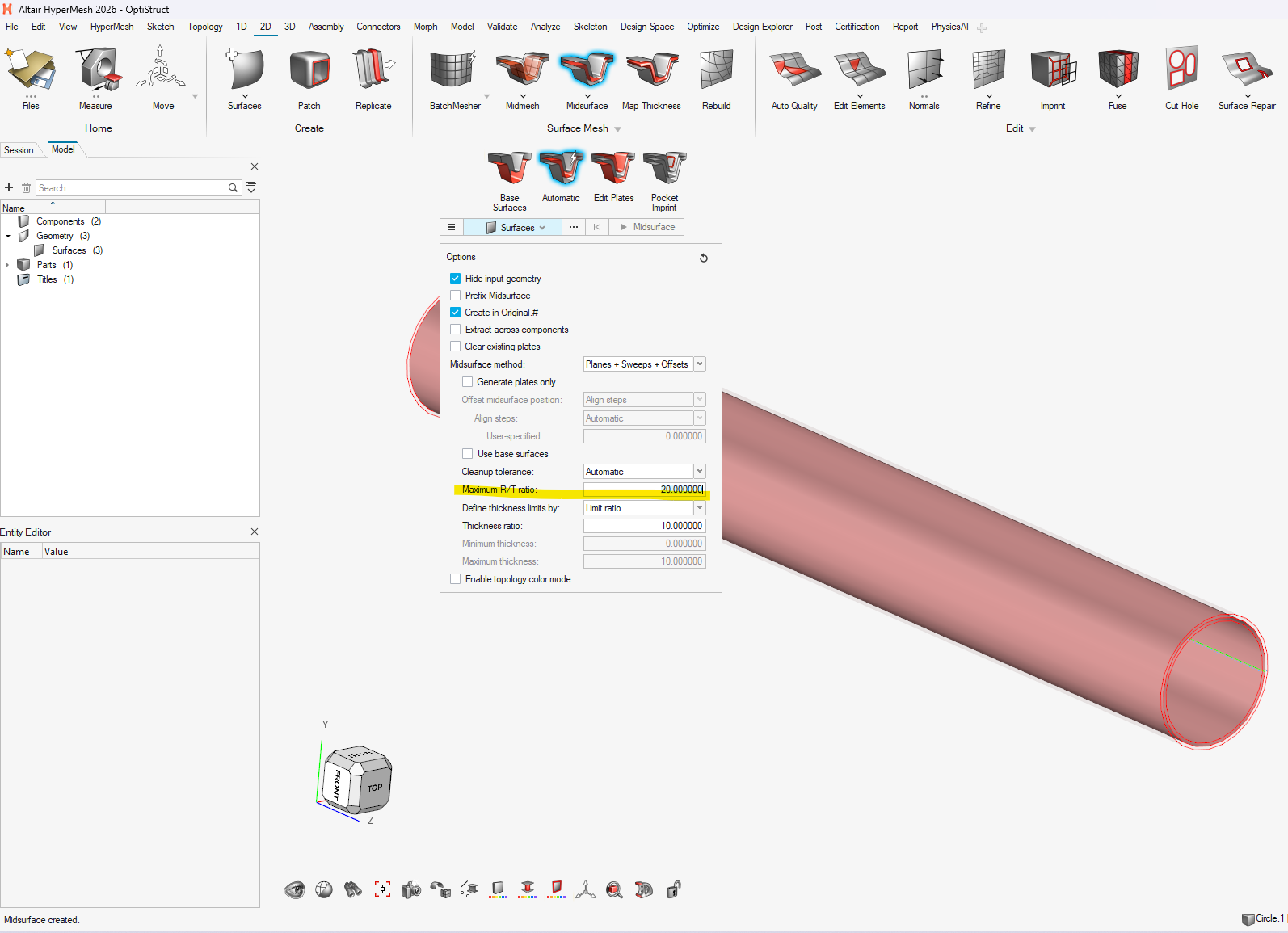
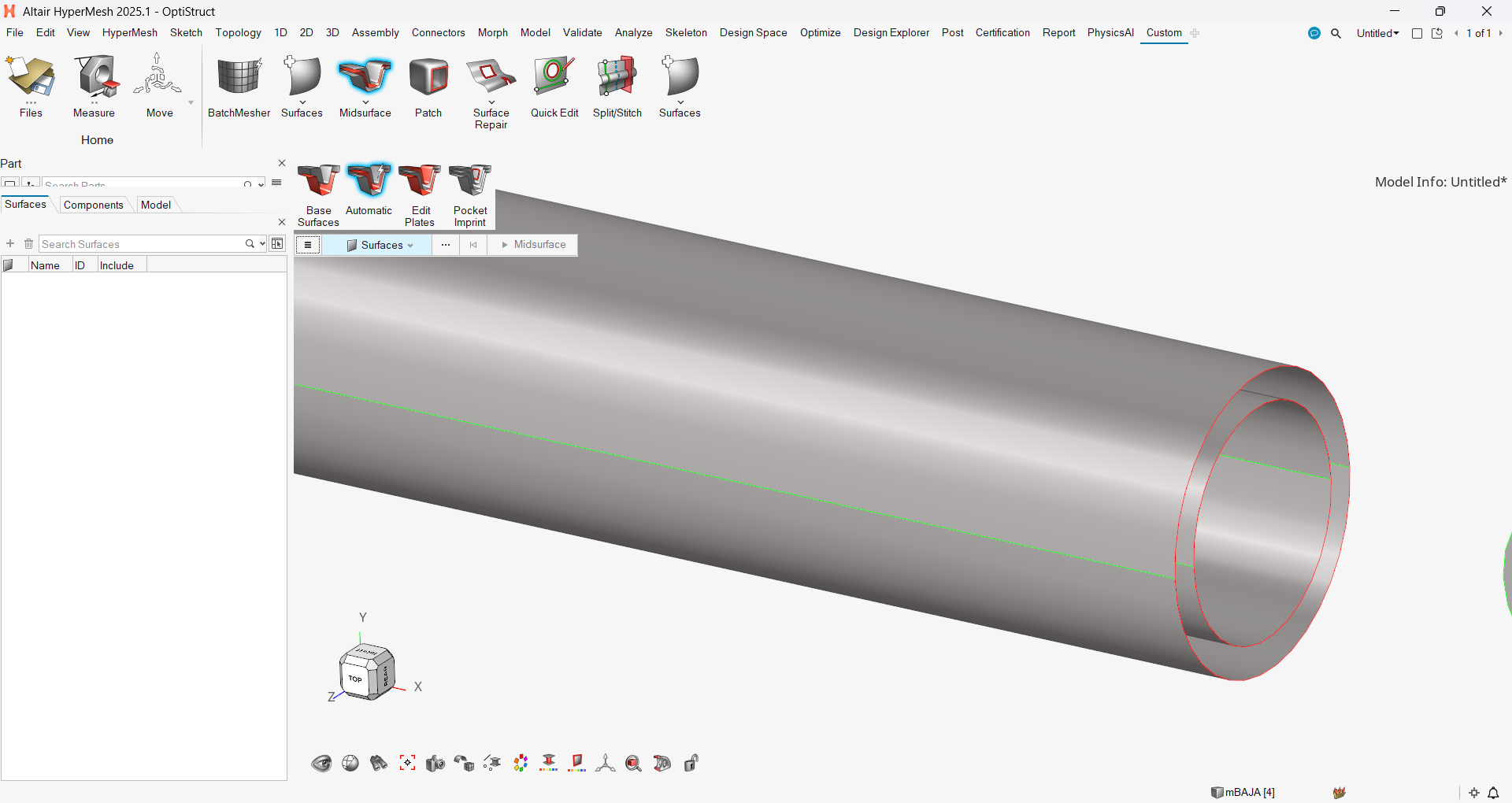
I've attached a screenshot for reference.
Any suggestions would be greatly appreciated. Thanks!