Providing the most effective workflow for your electromagnetic simulation challenges is our main goal. With Flux’s core solving capabilities now seamlessly integrated into SimLab, setting up your models has never been faster—or more intuitive. The latest advancements in Flux 2025.1 and 2026 bring great productivity tools and cutting-edge numerical modeling techniques into SimLab, empowering you to accelerate your design process and achieve unparalleled accuracy. If you haven’t explored this powerful combination yet, now is the perfect time. You should try !
MESH GENERATION MADE SIMPLE FOR PRECISION AND PERFORMANCE
One of SimLab’s greatest strengths is its advanced mesh generation and automation capabilities—designed to make your workflow faster and smarter. Whether you’re working in 3D or 2D, SimLab delivers great value to Flux users by simplifying complex tasks and boosting efficiency. For example, you can achieve the same level of accuracy with fewer elements: by leveraging a smart mix of Hex and Wedge elements, you can dramatically reduce model size compared to a pure Tetrahedral mesh, without compromising precision. And this is a fully automated procedure which makes creating these mixed meshes effortless. In 2D, an optimized mesh that is capturing all the details, while being coarser in regions of less interest, is also obtained by just selecting a few options.
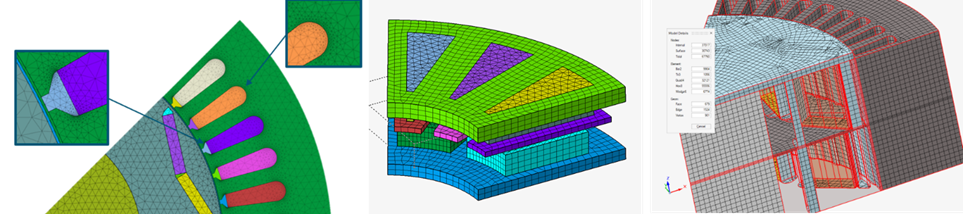
An optimized mesh in a few clicks
INCREASE YOUR PRODUCTIVITY
Great gains of productivity can be achieved thanks to smarter workflows and practical intuitive tools that minimizes manual effort. In version 2026, SimLab introduces powerful enhancements that streamline your simulation process. For example, you can save and reuse material data, mesh configurations, and boundary conditions effortlessly. Apply them to new models automatically using names, colors, or custom rules—no repetitive setup required. Another classical situation is when you want to apply various physics to the same model: say you have solved a magnetostatic model and now want to run magneto-transient simulations. Hit the conversion button and transfer all relevant data instantly, reducing user input to the bare minimum. Another situation is to re-use your existing Flux models. For this, just drag-and-drop the .FLU directory in SimLab, and you file will be opened and converted. SimLab does also now include a material database that is directly accessible, containing both soft and hard magnetic material data. More Flux material models have been added and new tools are also there to calibrate your material model parameters from measurements with ease.

Embedded material model parameters calibration tools
WHY ALWAYS USE FEA ?
When air dominates your design and magnetic flux leakage is significant—think busbars, position sensors, or wireless power transfer systems—traditional Finite Element Analysis isn’t always the best fit. For such cases, SimLab now offers integral methods with no need to mesh the air region, faster model set-up and accelerated computation. You can run both magnetostatic and AC magnetic simulations with ease, and even introduce movement between parts, which is perfect for sensor applications.
SimLab is becoming the go-to solution for power busbar design. In version 2026, we’re taking it further with 2-way coupling between AC magnetics and flow simulation, all within the same project. This illustrates another great strength of SimLab: the ability to easily run multiple physics and to couple them when necessary.
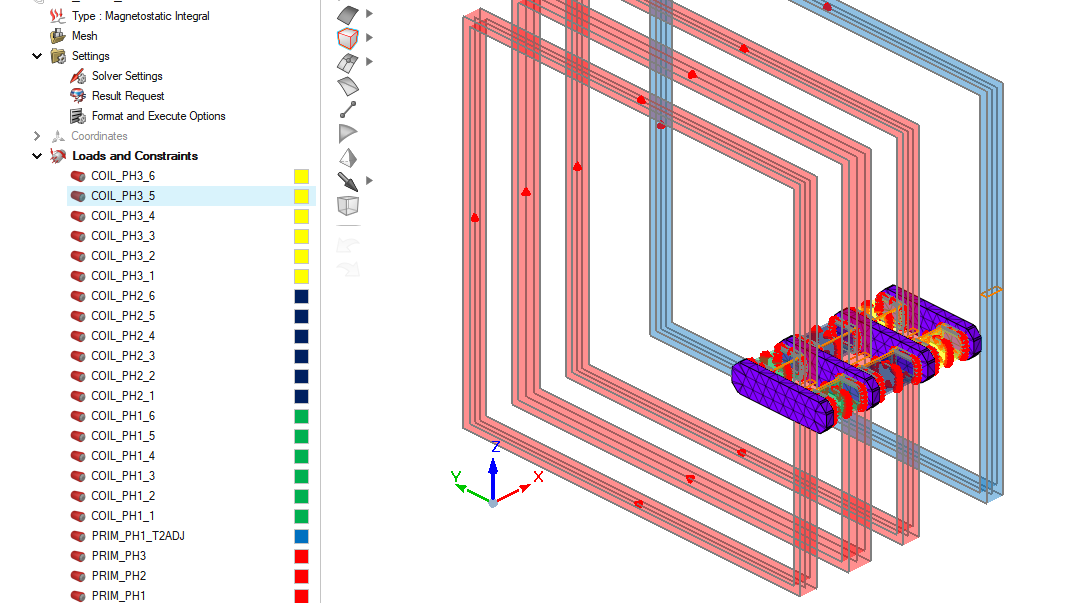
Magnetostatic integral methods with non-meshed coils. When traditional FEA is not the right solution.
EXPLORE, OPTIMIZE, INNOVATE
SimLab 2026 brings more power to your design optimizations. Executions of Design of Experiment studies are fully embedded and enhanced sampling techniques have been introduced, as well as post-processing capabilities, allowing you to compare runs and analyze trends with clarity.
You will also find a new topology optimization workflow which combines electromagnetic and structural analysis in a single, intuitive interface. You can define your EM and structural solutions, set objectives and constraints, and process results without leaving SimLab. This integrated approach enables engineers to create lighter and more efficient designs.
AND ALSO
SimLab 2026 integrates Altair Copilot. Ask any question and it will dig into the help for you and bring the information you need !
- Improved 2D and 3D workflows based on CAD
- Ability to impose an external field as boundary condition
- Dedicated Axial Flux machine solution (cogging torque, BEMF and Working point)
- Additional tutorials
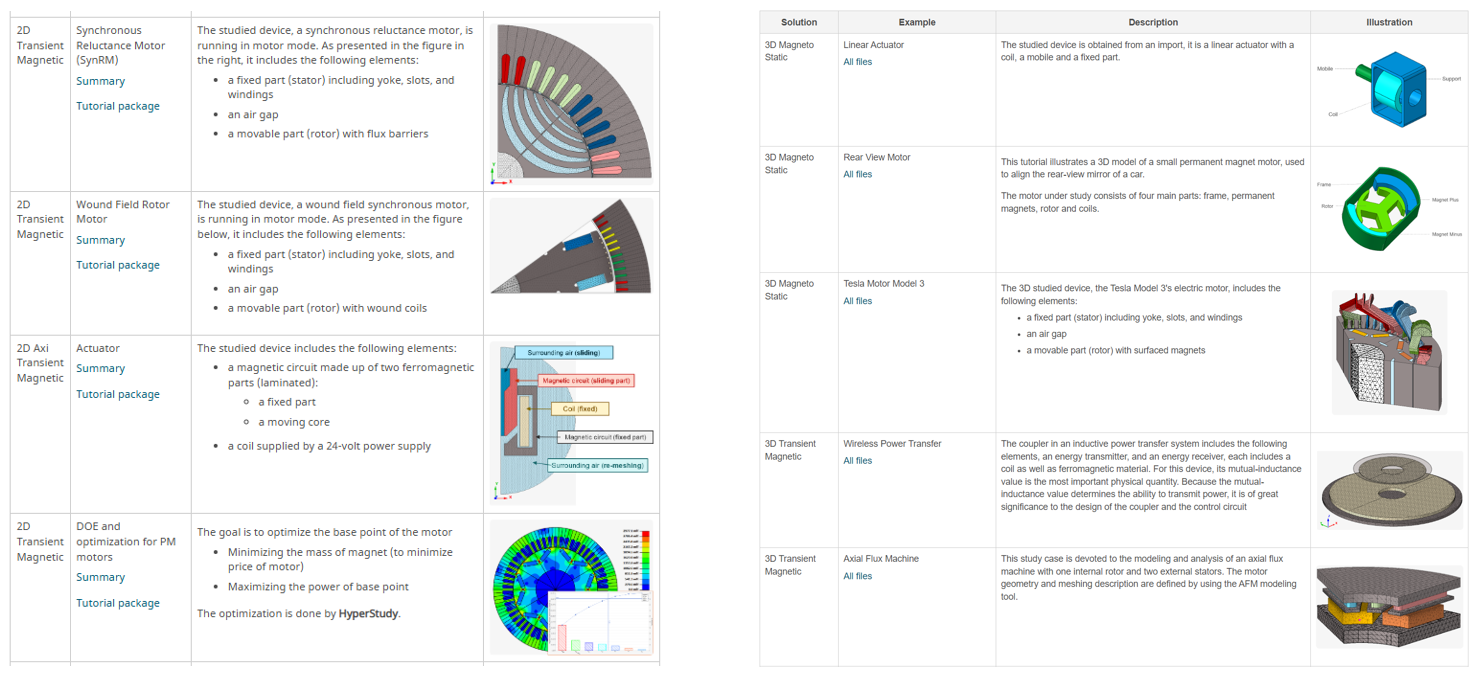
Get all the details in the Release Notes :
Release Note of SimLab 2026
If you want to know more about FluxMotor and its new features, follow this link
Enjoy version 2026 !
#OnlyForward