Hello everyone,
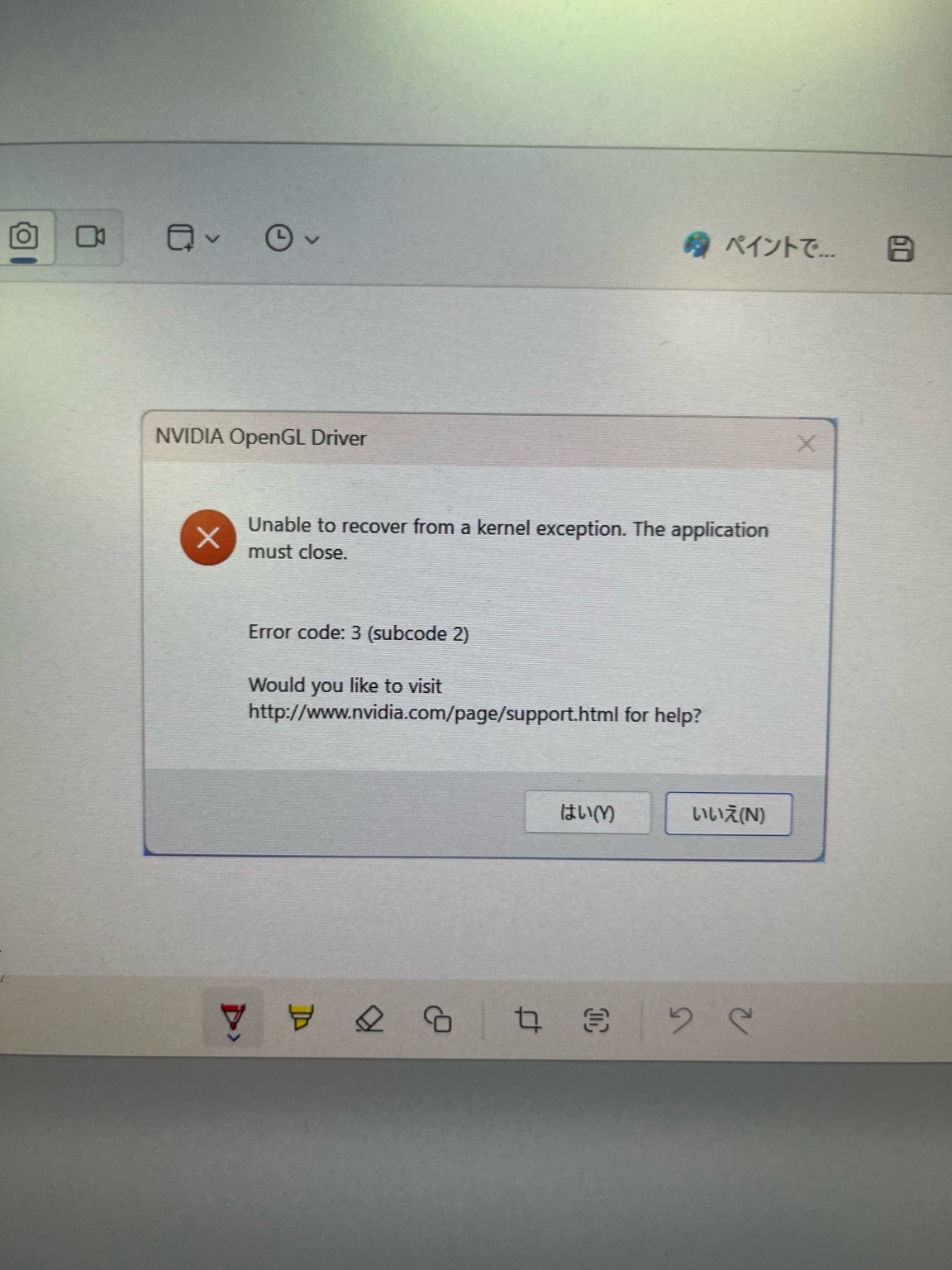
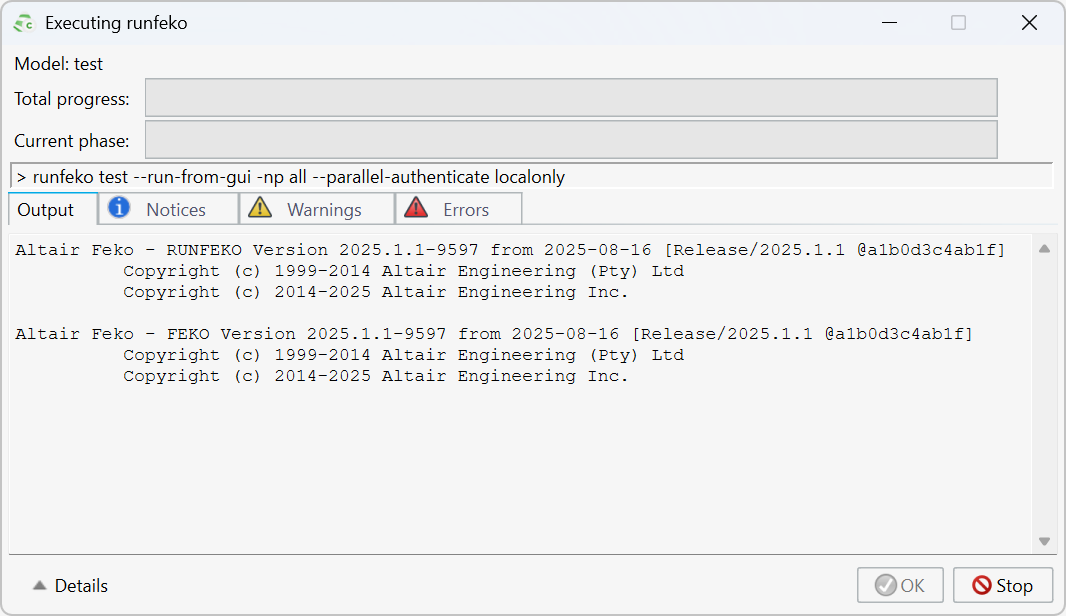
I am using Altair Feko (version 2025.1) on Windows (64-bit).Recently I moved my simulation to a more powerful PC. I’m trying to run a simple dipole-antenna simulation (just a basic dipole), but the solver halts at startup: the GUI shows the “runfeko” command and then nothing proceeds — the simulation never starts. I’m attaching a screenshot of the GUI when it freezes.
This setup used to work fine on my old machine, so I suspect the problem is related to the new environment or some setting change.
Here are more details:
- Model: simple dipole antenna
- Feko version: 2025.1 (build 9597 from 2025-08-16)
- OS / machine: Windows 64-bit on a new PC (more powerful than previous one)
- What I expected: mesh generation and solver start, leading to simulation result.
- What actually happens: solver does not start; run seems stuck immediately after launching runfeko.
What I have tried / checked so far:
- Verified that the .cfx model file is correct and identical to the one that previously worked.
- Tried re-meshing / regenerating geometry (still stuck).
- No obvious error message appears — the run window just remains blank / stalled.
Could someone advise:
- What kinds of causes may lead to Feko solver freezing / hanging before starting (especially when moving to a different PC)?
- Are there recommended checks or logs to inspect (e.g. memory usage, compatibility issues, configuration settings) to diagnose this problem?
- Could there be a license / permission / environment issue on the new PC that prevents solver execution?
I’m willing to provide the model file or additional info if needed.
Thank you in advance for your help.Best regards