Description:
Hi, I’m currently learning how to use Altair Multiscale Designer.
For a simple test case, I’m using concrete as the matrix and steel as the fibers, with the following settings:
- Matrix: Isotropic Damage – 3-piecewise
- Fibers: Isotropic Plasticity, rate-independent
- Unit Cell: Continuous unidirectional
I exported the homogenized material to Abaqus and ran a very simple tension test (one end encastre, the other end displacement-controlled).
To simplify the behavior, I also set Poisson’s ratio = 0 for all constituents.
The issue is that the MDS material behaves non-isotropically even in the purely elastic range.
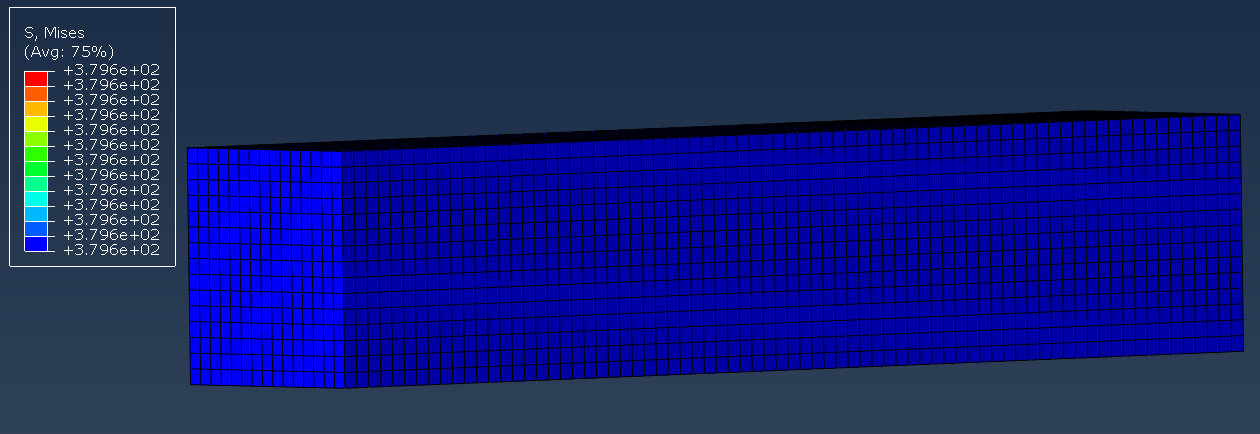
To confirm that my Abaqus model wasn’t the problem, I replaced the MDS material with a simple isotropic steel material — and in that case, the results were perfectly symmetric.
So the model setup is fine; the asymmetry appears only when using the MDS-generated material.
I’ve attached several screenshots showing the issue.
Product/Topic Name : Multiscale designer 2025.1, Abaqus 2024
*Note from Community Team - Once you receive a satisfactory answer on your question, kindly mark your answers as "Accepted" so it can help others with similar problems. Thanks.
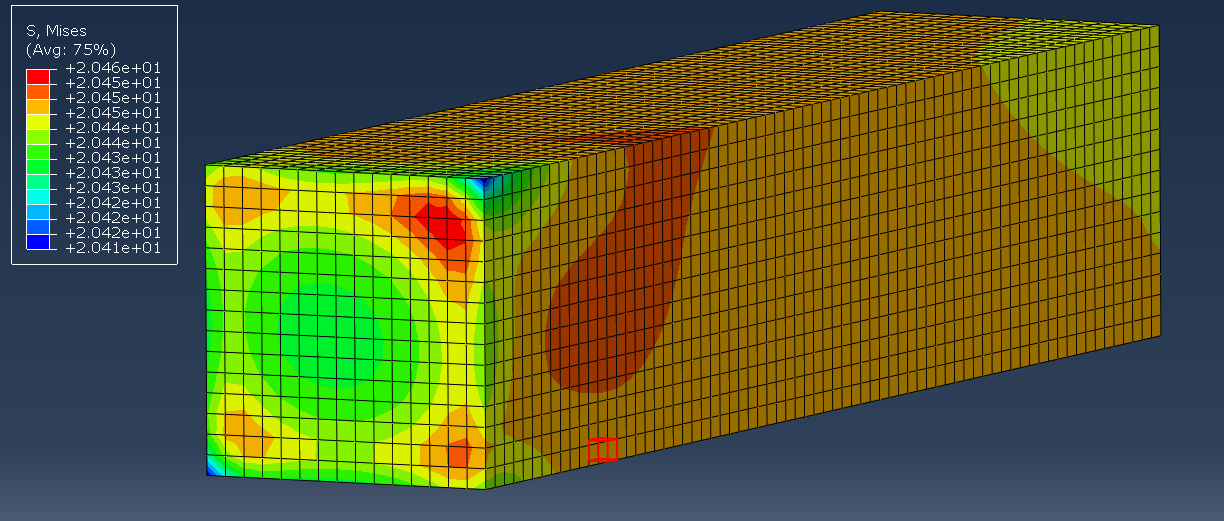
above is mds. below is testing the model without mds and just pure steel to check if the model is wrong. The first one is the elastic area and the second one is in plastic.
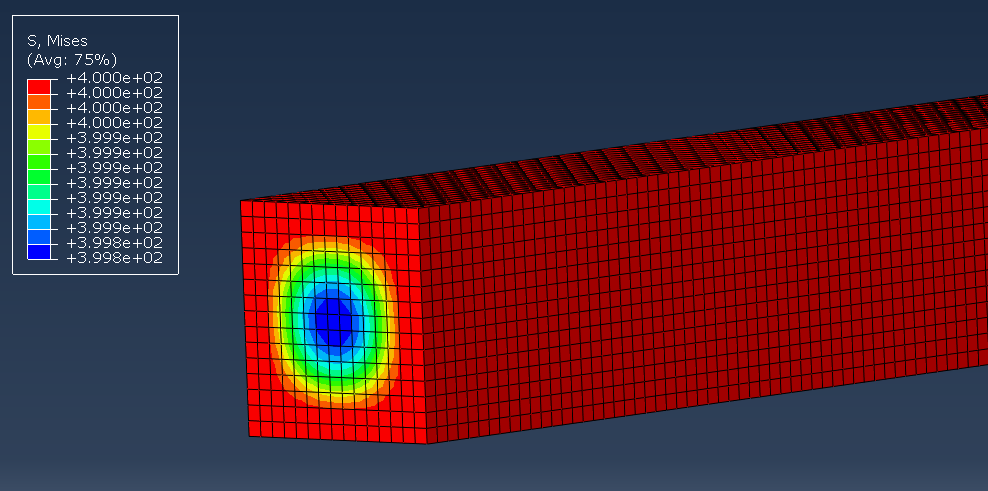
I really need to know why mds is not isotropic even when i set it all isotropic (No laminate settings.)
