The Siemens Community Catalyst program was co-created with our community to acknowledge technology leaders who consistently contribute to the Siemens Community. Nominations are accepted on a rolling basis.
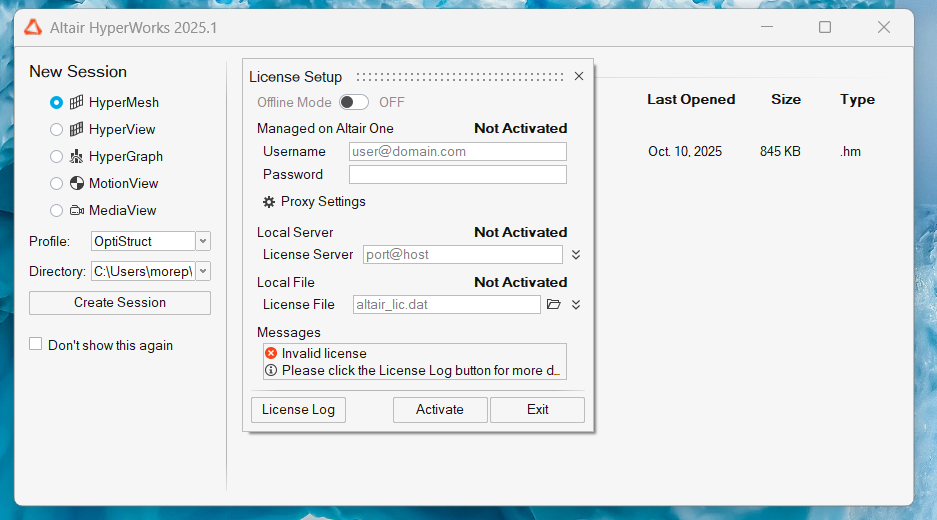
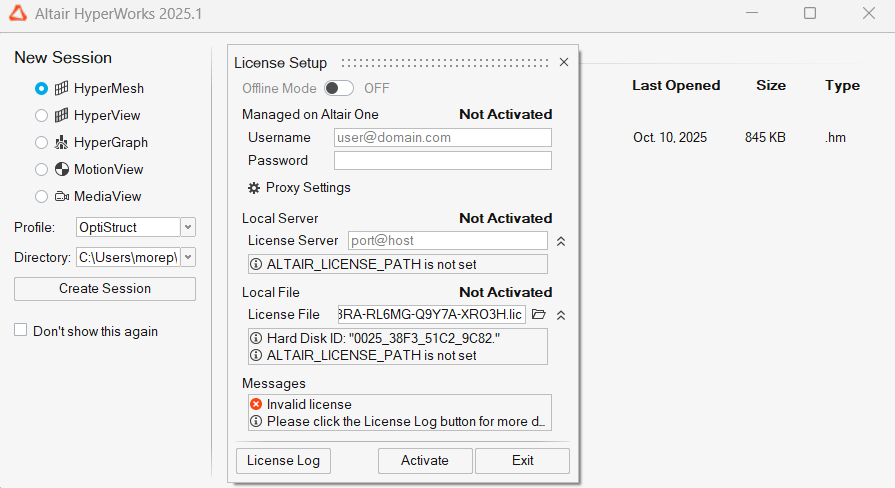
I am getting this dialog box and have no idea what to do resolve it.
Hi @moreprajwal
Please refer to the following guide (Step 3 and 4) for detailed instructions on installing and activating your Altair Student Edition software using your Student Edition license key -https://community.altair.com/discussion/34207/instructions-to-access-the-free-altair-student-edition-now-in-altair-one#latestYou.
Kindly follow the guide if at least one software product that is part of the student edition bundle is already installed on your system -
Note that you should only complete step 4 for the first Altair software product that you download and install from the Student Edition bundle.
Thanks!
Join us for a community conversation on how High-Performance Computing (HPC) and Simcenter PSIM work together to meet the increasing demands of modern power electronics simulation. During this one-hour technical session, you'll discover how leveraging HPC can speed up simulations, improve scalability, and empower engineers…
Join us for a community conversation on accelerating your motor simulation workflow with Simcenter Simlab. In this beginner-friendly session, we'll introduce the platform's automated model-building capabilities and show how easy it is to set up your first electric motor analysis. You'll see the basic steps of geometry…
Join us for a Community Conversation where we'll discuss practical approaches to analyzing complex electromagnetic models using hybrid solver techniques. This session will provide a general overview of how different computational methods can be combined within a single simulation to address models containing varied…