The Siemens Community Catalyst program was co-created with our community to acknowledge technology leaders who consistently contribute to the Siemens Community. Nominations are accepted on a rolling basis.
@Nandan
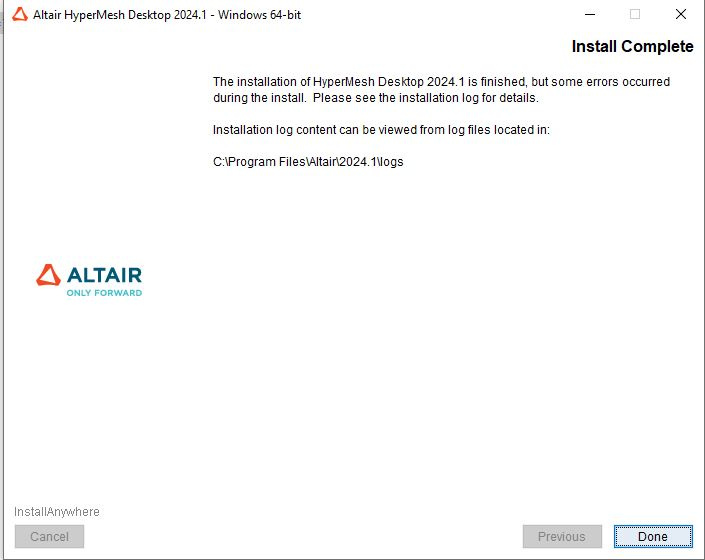
Please ensure that you follow Step 3 and 4 to install and activate the software using your student license key - https://community.altair.com/discussion/34207/instructions-to-access-the-free-altair-student-edition-now-in-altair-one#latest. You may watch the instructional video in the guide for further help.
Also check that your device meets the minimum system requirements as mentioned here - https://community.altair.com/discussion/39807/altair-hyperworks-hardware-and-system-requirements
Pls note if you are using the free Student Edition - It is a standalone license tied to one physical machine and does not support use on virtual machines. It is valid for use on only one device, it cannot be shared or activated on multiple machines at the same time.
Thanks