The Siemens Community Catalyst program was co-created with our community to acknowledge technology leaders who consistently contribute to the Siemens Community. Nominations are accepted on a rolling basis.
Hi,
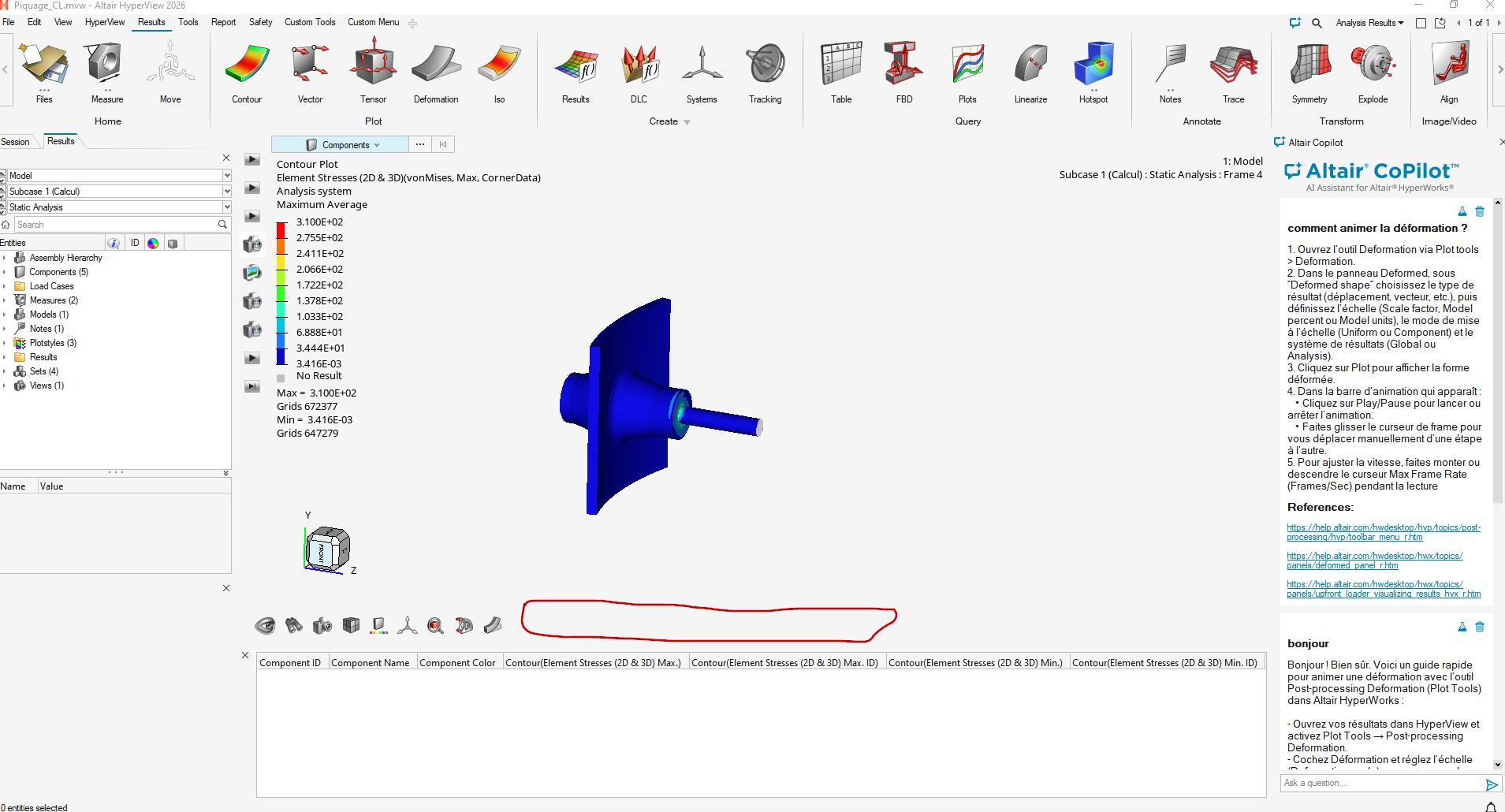
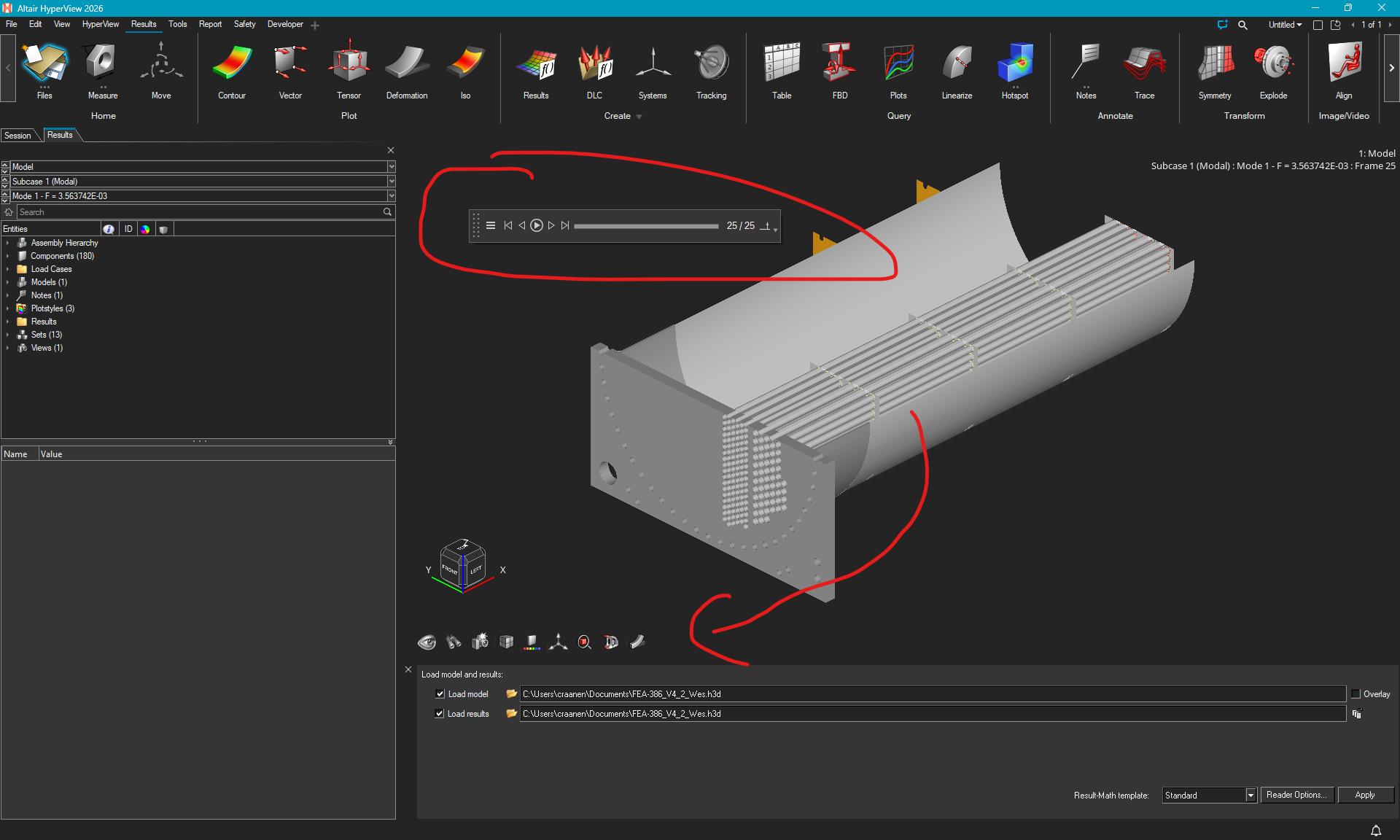
I'm starting to use Hyperview 2026. The animation plot tool (to animate the deformation) seems to be missing. I don't find the option to show it.
Do you have the same issue?
Did you undock it somehow?
It should be on by default when you contour?
Do you have displacement results?
YOu could try deleting your temp files.
I just restarted my computer, the animation bar is present. I didn't undock it, I don't know what was the origin of this issue but now it works.
Thank you.
Actually I still have the problem when I go to Hyperview from the Results button of the Compute Console.
Where are the temp files you're talking about?
take a look at this article
I deleted the recommended files. For now it's working. Thank you !
Actually the issue is back…. And I have other colleagues with the same issue after installing v2026.
The animation bar is shown quickly but then disappear. I made a short video.
you are missing a full screen caputre ?
What do you mean?
your previously uploaded video doesnt show any hyperview UI. Just compute console.
Ok I see. Actually this is an issue of the 2026 version. It has been corrected in the latest 2026.1 version.
Join us for a Community Conversation where we'll discuss practical approaches to analyzing complex electromagnetic models using hybrid solver techniques. This session will provide a general overview of how different computational methods can be combined within a single simulation to address models containing varied…
Join us for a community conversation to explore how different modeling approaches in Simcenter PSIM can help engineers simulate power electronics systems while balancing accuracy, simulation speed, and design insight. What you'll learn: Power transistor modeling : Thermal and high fidelity models Protection component…