The Siemens Community Catalyst program was co-created with our community to acknowledge technology leaders who consistently contribute to the Siemens Community. Nominations are accepted on a rolling basis.
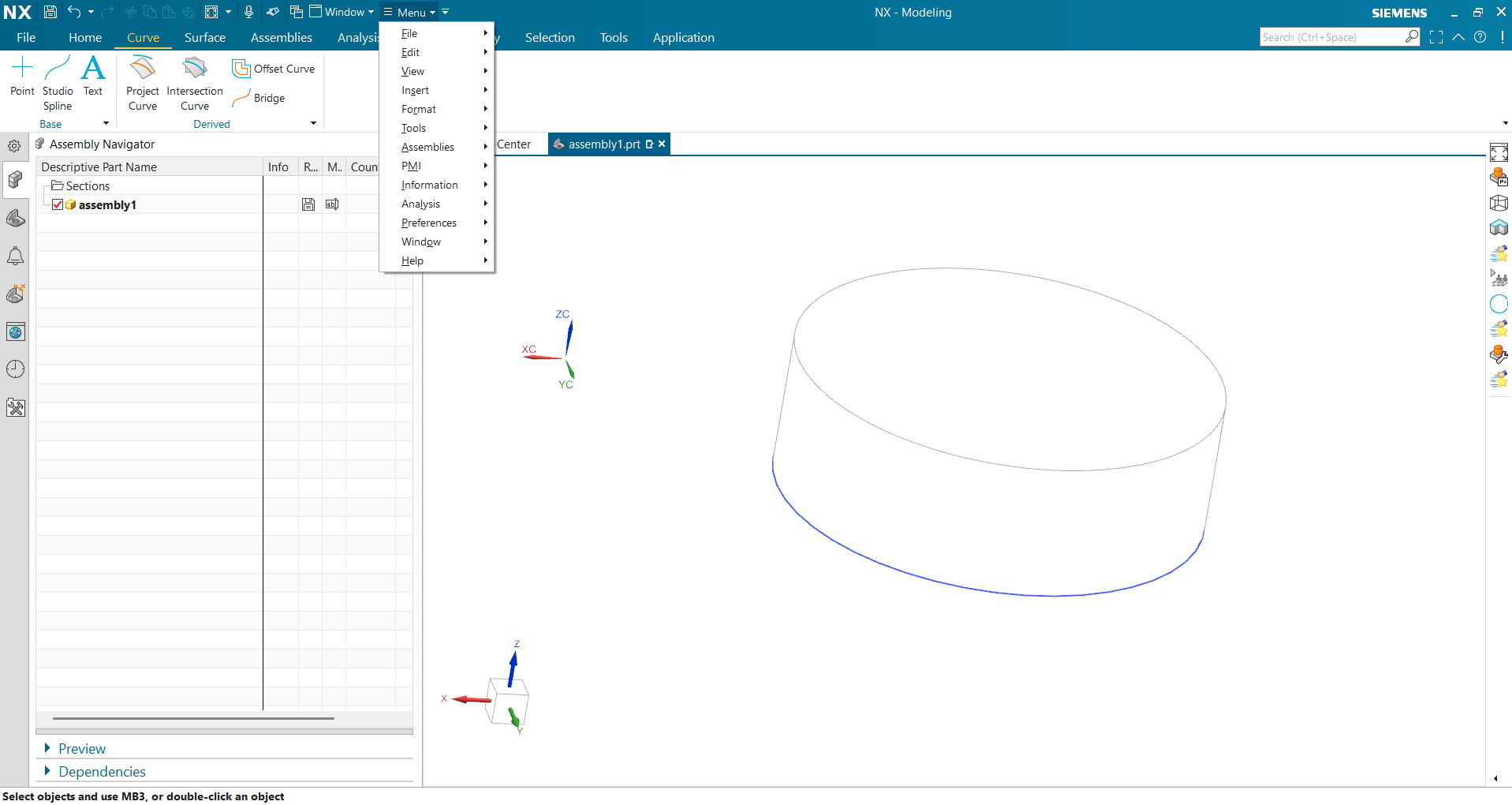
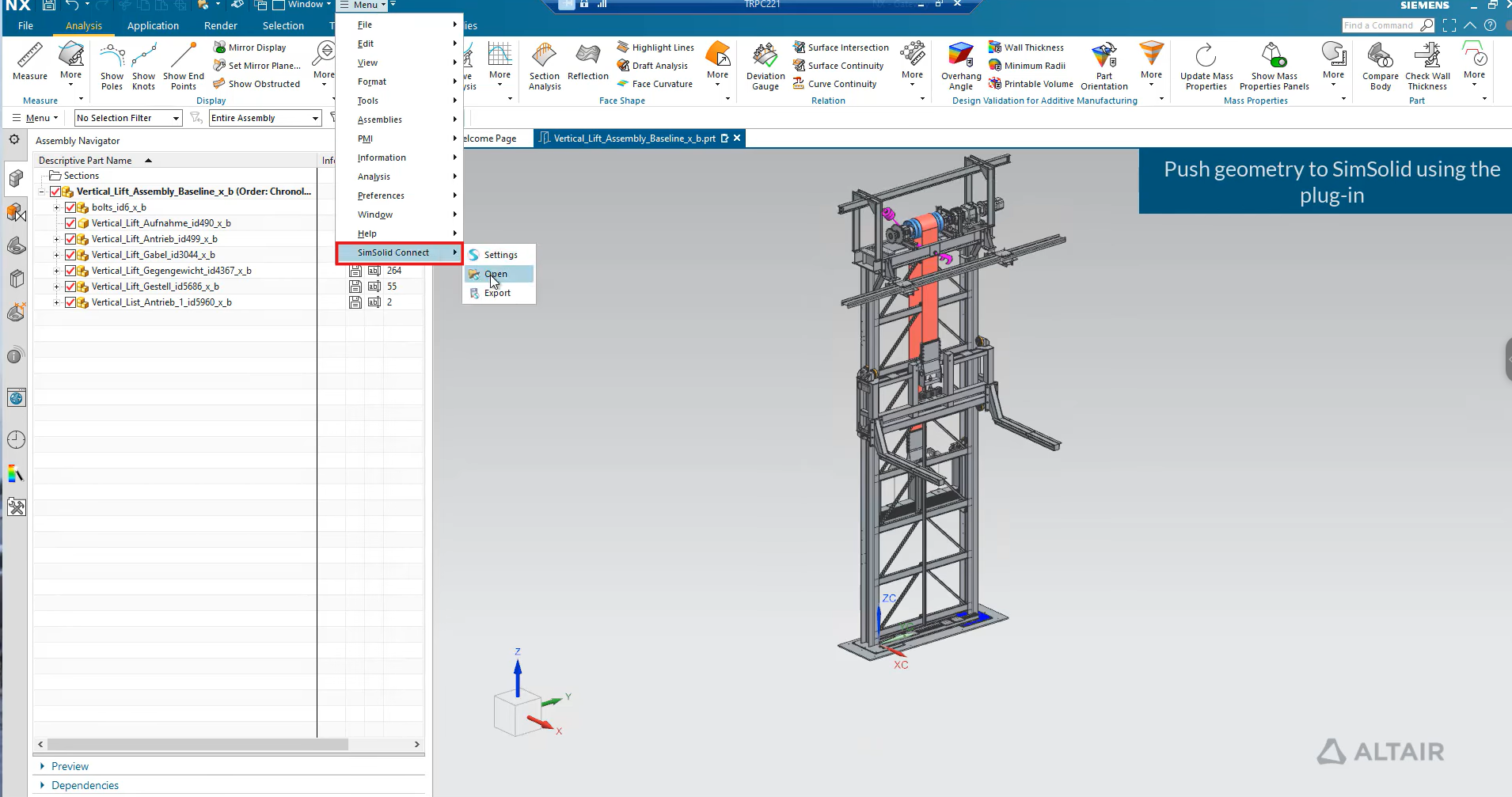
How can I display the “SimSolid Connect” line in NX, as shown in the second image from the YouTube video?
Hi Huyen,
To display the SimSolid Connect line in NX, you need to ensure that the SimSolid add-in/plugin is installed and active. Once installed, open NX and go to the Tools Add-ins menu (or Applications Customer Defaults Add-ins depending on your NX version) and enable the SimSolid Connect add-in. After activating it, the option to export or link the part to SimSolid should appear, and the connection line or interface indicator will be visible in the graphics window or assembly navigator. If the line still doesn’t appear, make sure your NX session and the part file are fully saved, and that SimSolid is running in the background sometimes restarting both NX and SimSolid resolves display issues with the connector line.
Regards,
Sourav
create a environment Variable UGII_USER_DIR Provide a path to the C—> Program Files —> Altair—> 2026—> simsolid2026 →NX (in my case) check the installation directory.
C:\Program Files\Altair\2026\SimSolid2026.0.1\NX