The Siemens Community Catalyst program was co-created with our community to acknowledge technology leaders who consistently contribute to the Siemens Community. Nominations are accepted on a rolling basis.
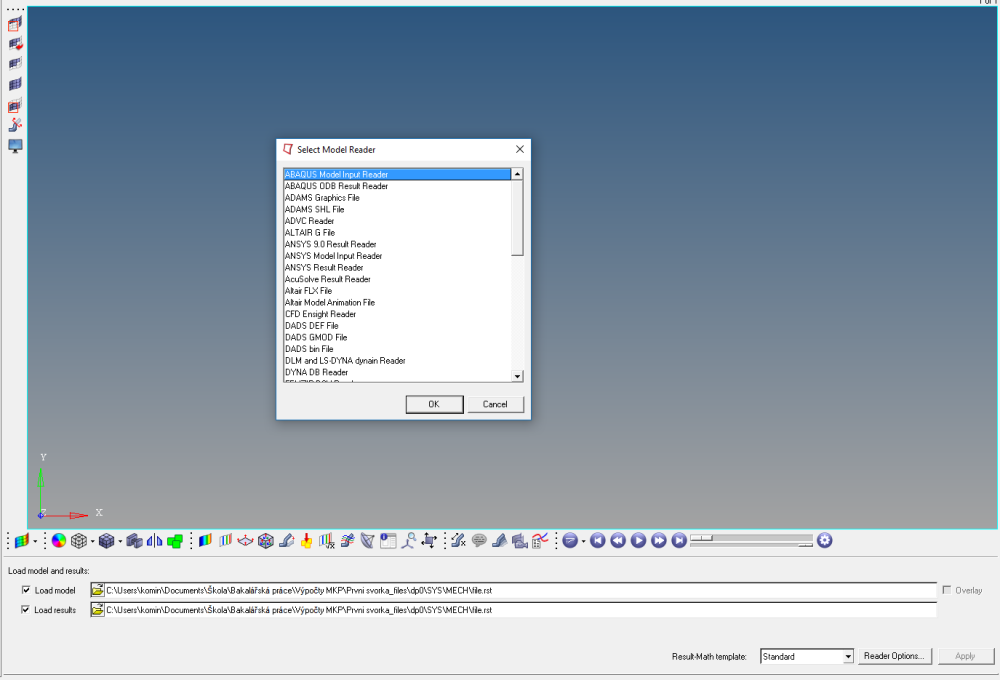
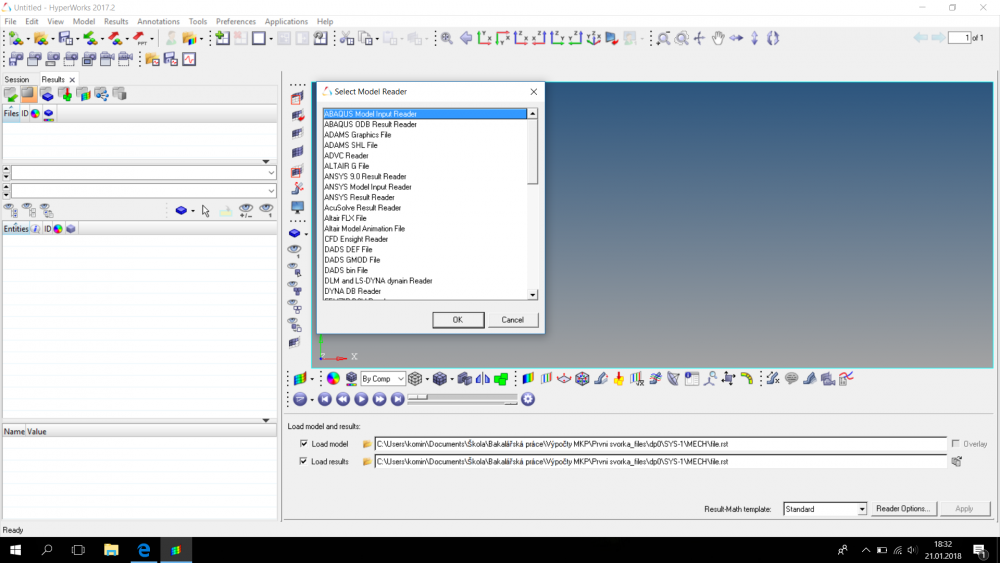
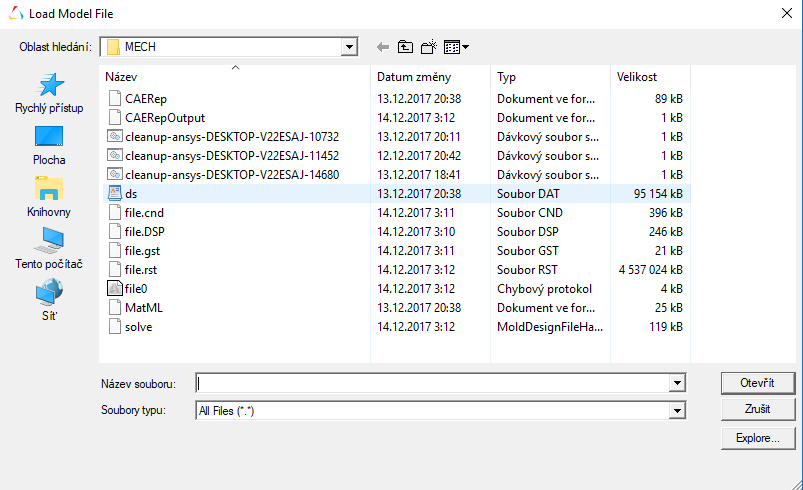
Hello,I want to upload the results from Ansys 18.2 to HyperView.Loading files with RST extension.I do not know what to choose in Select Model Reader and Select Result Reader.
<?xml version="1.0" encoding="UTF-8"?>
Model Reader = nodes, elements, sets,...
Results Reader = Displacement, Stress,...
Hello,
I am sorry, but i do not understand.
What should I choose for an option in the window: Select Model Reader and Select Results Reader?
In general, HV can detect automatically the reader depending to your results.
If you see this windows, it means that HV can not found the reader automatically.
Your version of Hyperview?
My version is HyperWorks v13.0
Aiiiiie, too old for Ansys 18.2 I think.
Try v2017.2 !
I do not currently have access to a newer version.Is there a way to solve my problém?
No way.
ANSYS 18.2 is latest release of ANSYS for this moment. This release is (maybe) supported by latest release of Hyperworks, but not v13 nor v14.
I have installed version 2017.2.The error is current.Please, give me an advice.
I write a bachelor work and start to cut time.
I think still we cannot import Ansys 18.2 results files to HV 2017.2. PFA screenshot from help for 2017 & i dont see any information in release notes of Hv 2017.1 or 2017.2.
If possible please share input files and results files of Ansys 18.2 version. we will check same at your end on HV 2017.2.
HyperView 2017.2 supports ANSYS structural, thermal and electromagnetic results for ANSYS v18.0 and earlier.
Requesting you to share Ansys18.2 .rst and .cdb files using secure ftp link available in my signature.If file size is too big than please share output for simplified/small model.
I confirm that Hyperview 2017.2 can read without problem the results of ANSYS 18.2 :-)
Again good news: Hyperview 2017.2 can read no problem the results of ANSYS 19.0 !!!
Join us for a community conversation on how High-Performance Computing (HPC) and Simcenter PSIM work together to meet the increasing demands of modern power electronics simulation. During this one-hour technical session, you'll discover how leveraging HPC can speed up simulations, improve scalability, and empower engineers…
Join us for a community conversation on accelerating your motor simulation workflow with Simcenter Simlab. In this beginner-friendly session, we'll introduce the platform's automated model-building capabilities and show how easy it is to set up your first electric motor analysis. You'll see the basic steps of geometry…
Join us for a Community Conversation where we'll discuss practical approaches to analyzing complex electromagnetic models using hybrid solver techniques. This session will provide a general overview of how different computational methods can be combined within a single simulation to address models containing varied…